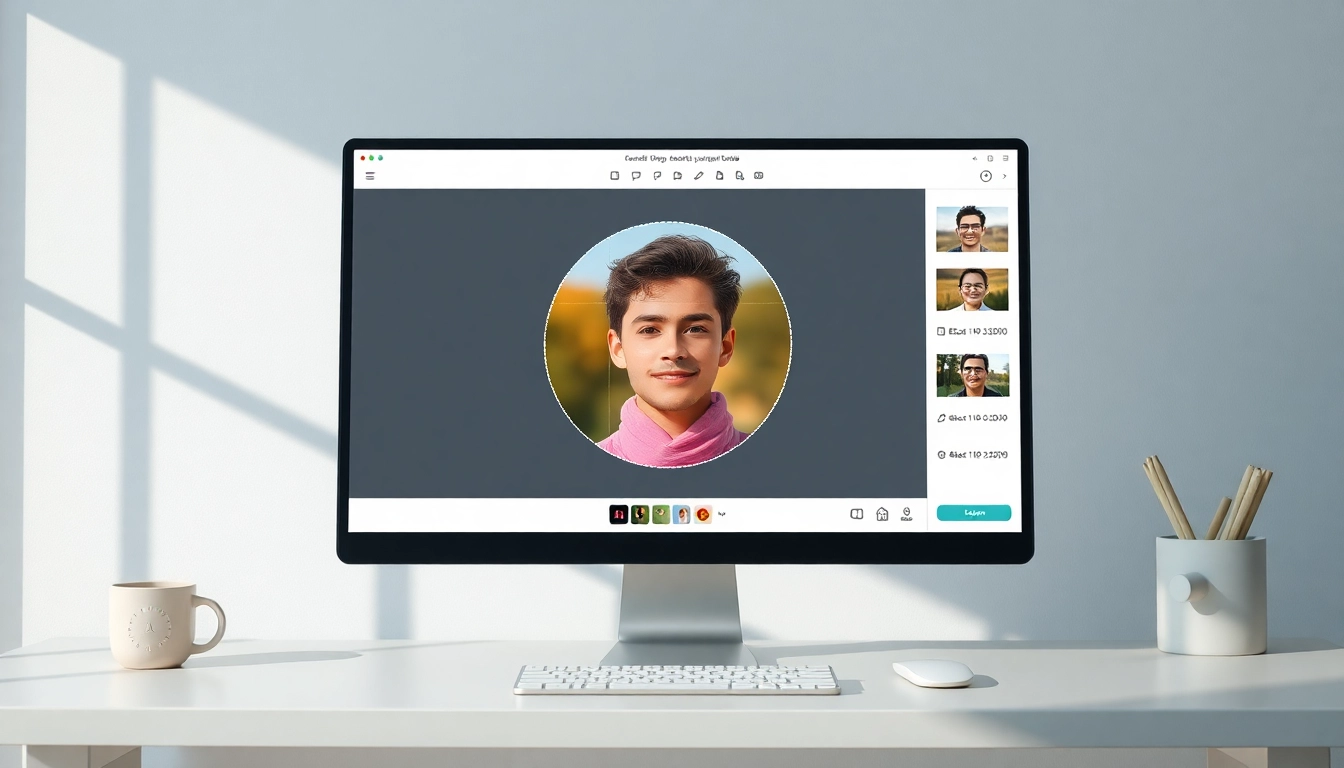
The Art of Circle Image Cropping
In today’s visual-centric world, the aesthetic appeal of your images can significantly impact how your audience perceives your brand or message. Circle images have emerged as a popular choice for various applications—from social media profiles to marketing materials—offering a fresh and engaging look. This article delves deep into the techniques for cropping images into circles, exploring best practices that ensure you maintain image quality while achieving a professional finish. When exploring options, circle image tools like CropPhoto provide comprehensive insights and user-friendly interfaces to simplify this process.
Understanding Circle Image Basics
Before diving into the technical aspects of cropping, it’s essential to understand what defines a circle image. Essentially, a circle image is one that presents visual content within a circular frame, enabling a focus on the subject while creating a pleasing aesthetic. This format is particularly effective for profile pictures, promotional graphics, and portfolio displays. The crisp edges and unique shape invite immediate attention, making your visual content stand out in a crowded digital space.
Choosing the Right Images for Circular Cropping
Selecting images that lend themselves well to circular cropping is pivotal for achieving optimal results. Here are some tips to ensure your choice aligns with your desired outcome:
- Center Your Subject: Aim to choose images where the main subject is naturally centered, as this enhances composition when cropped.
- Consider Background Elements: Pay attention to the background; circular crops work well with images that feature simple, non-distracting backdrops.
- Opt for High Resolution: High-resolution images help prevent pixelation when cropping, ensuring your final product remains crisp.
Benefits of Circle Images in Design
Utilizing circle images presents several advantages in design:
- Versatility: Circle images can adapt well to various applications, from business cards to event flyers, ensuring a uniform visual style.
- Enhanced Focus: The circular shape naturally draws the viewer’s eye to the center, making it an effective choice for portraits and key visuals.
- Modern Aesthetic: Circular designs are inherently more modern and can signal creativity, making them appealing in contemporary design contexts.
How to Crop an Image into a Circle
Cropping an image into a circle may seem daunting, but with the right tools and techniques, it can be accomplished quickly and easily. Here’s a step-by-step guide to help you master this skill.
Step-by-Step Guide to Circular Cropping
- Choose Your Image: Select an image that you wish to crop and upload it to your chosen crop tool.
- Select the Crop Tool: Utilize the circular crop option provided in the tool, often represented by a circular icon.
- Adjust the Frame: Drag the edges of the circular crop area to fit around the part of the image you want to keep, ensuring it frames your subject well.
- Preview the Crop: Most tools will allow you to preview the crop before finalizing. Adjust as necessary.
- Export Your Image: Once satisfied, save or download your cropped image in the desired format.
Using Online Tools for Circle Images
The accessibility of online tools makes it easier than ever to create circle images without any software installations. Platforms like CropPhoto offer intuitive interfaces that allow users to upload their images and apply the circle crop feature seamlessly. Additionally, many of these tools provide options to adjust the size and quality of the output, preparing images for specific formats such as social media or print.
Common Mistakes to Avoid in Circle Cropping
When cropping images into circles, several pitfalls can hinder the quality of your final product:
- Ignoring Aspect Ratios: Be mindful of aspect ratios; unintended cropping may lead to loss of vital image features.
- Underestimating Background Distractions: Busy backgrounds can detract from the subject; always choose images accordingly.
- Skipping Quality Checks: Neglecting to check the resolution can lead to pixelated images—always preview your final crop.
Enhancing Circle Images Post-Crop
After cropping your image into a circle, the work doesn't stop there. Enhancements can significantly improve your image's overall appeal.
Best Practices for Maintaining Image Quality
To keep the integrity of your image intact during and after cropping, consider the following:
- Use High-Quality Source Images: Starting with a high-resolution image sets the stage for a quality final product.
- Export in the Proper Format: Depending on the intended use, export your image in formats that maintain quality, such as PNG for transparency or JPG for web use.
Creative Ways to Use Circle Images in Projects
Circle images can add a unique touch to various projects. Here are some creative applications:
- Social Media Profiles: Perfect for platforms like Instagram, where circular profile images are the norm.
- Marketing Materials: Create engaging flyers and posters featuring circular cropped images that draw attention.
- Online Portfolios: Utilize circle images for presenting work in a visually appealing and consistent manner.
Editing Tips for Perfect Finishes
After cropping, take your circle images further with some editing tips:
- Apply Filters: Enhancing colors or adjusting brightness can elevate your images.
- Add Borders: A subtle border can frame your circle image and increase its visibility on various backgrounds.
- Consider Text Overlays: Incorporating text strategically can enhance your message without overshadowing the image.
Using Circle Images Across Platforms
To make the most of your circle images, understanding how they perform across different platforms is crucial.
Optimal Aspect Ratios for Social Media
Different social media platforms have varying requirements for image dimensions. Here are some common aspect ratios:
- Instagram: Typically uses a 1:1 aspect ratio for posts, making circle images perfect for profile pictures.
- Facebook: Profile images are displayed in circles, hence utilizing circular cropping is beneficial.
- Twitter: Also favors circular profile images, which enhances brand consistency across platforms.
Adapting Circle Images to Different Formats
When preparing circle images for use, consider adapting them to various formats, such as:
- Print: Ensure high resolution for physical copies; converting to CMYK may be necessary.
- Web: Optimize for quick loading without compromising quality, usually favoring JPG or PNG formats.
- Social Media: Adjust sizes as per platform requirements to maintain optimal display quality.
Trends in Circle Image Usage for 2026
As we progress into 2026, trends in circle image usage are evolving:
- Increased Personalization: Individuals and brands are leaning towards personalized circle images to create unique identity.
- Interactive Content: Circle images are being integrated into interactive online campaigns, enhancing viewer engagement.
- Augmented Reality: Expect to see circle images utilized in AR applications for a more immersive experience.
Future of Image Cropping: Innovations to Watch
The realm of digital imagery is constantly evolving, and new technologies are shaping how we approach cropping.
AI and Automated Cropping Techniques
AI technologies are beginning to play a significant role in automating cropping, with tools that can intelligently determine the best crop based on image content. This advancement not only saves time for users but also enhances the overall quality of cropped images.
The Role of User Experience in Image Editing
As image editing tools become increasingly sophisticated, the user experience remains at the forefront of design. Tools must be intuitive, allowing users of all skill levels to navigate and create stunning images effortlessly.
Emerging Tools for Creative Circle Image Design
New online platforms and software are continually emerging, equipped with features that drive creativity in circle image design. Staying updated with these tools helps users leverage innovative cropping solutions that align with trends and techniques in the digital space.