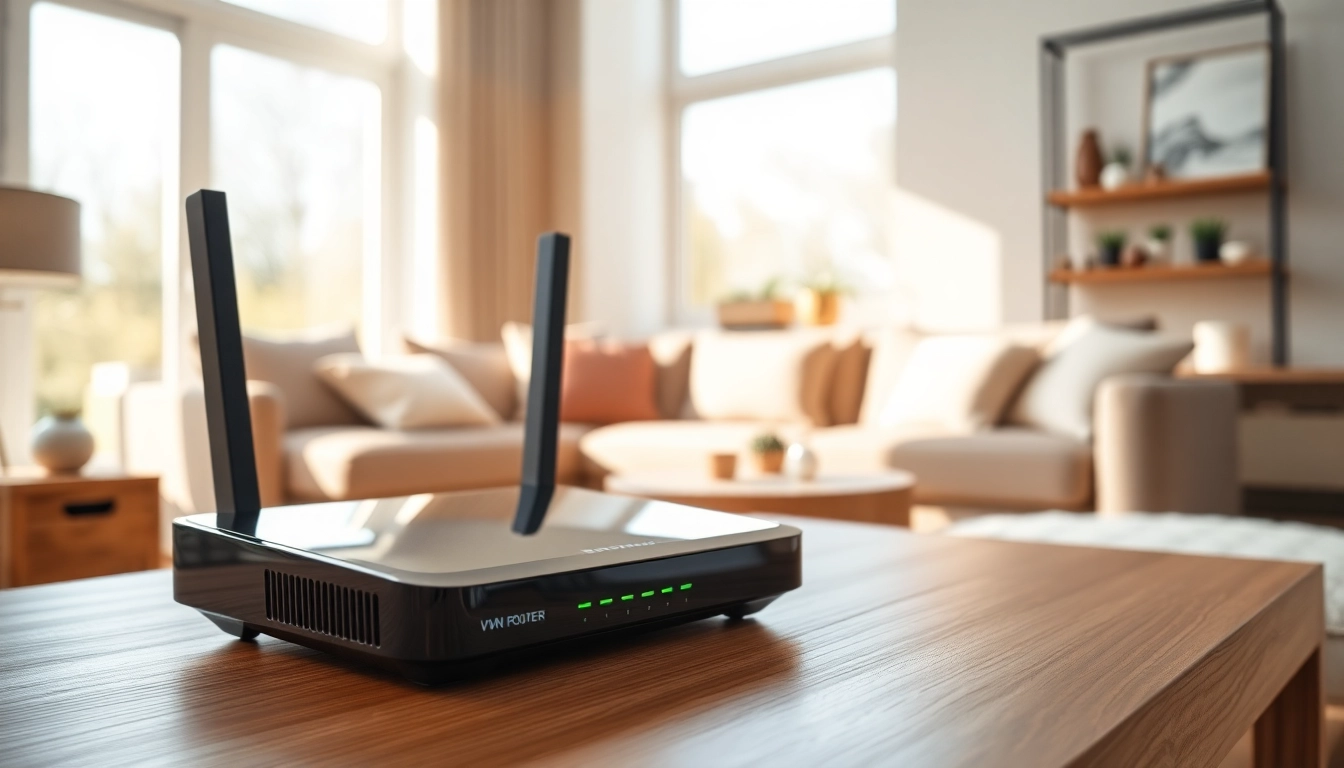
Understanding VPN Routers for Home
In today's digital landscape, online privacy is paramount. One effective way to safeguard your online activities is through a vpn router for home. This article will explore the nuances of VPN routers, their functionality, and their myriad benefits for households looking to enhance their internet security.
What is a VPN Router?
A VPN router is a networking device that encrypts your internet connection and routes all traffic from your home network through a Virtual Private Network (VPN). Unlike standard routers, a VPN router provides an extra layer of security by ensuring that all devices connected to it, be it computers, smartphones, or smart IoT devices, benefit from the security features of the VPN service. This holistic protection is particularly beneficial for those who prioritize privacy while browsing or streaming online content.
How VPN Routers Work
VPN routers function by creating a secure tunnel between your home network and the internet. When you connect to a VPN service, the router encrypts your data before transmitting it over the network. This process hides your IP address, making your online activities anonymous. Additionally, the router manages multiple connections simultaneously, optimizing performance for all devices connected to your network. Many contemporary VPN routers support various encryption protocols, including OpenVPN, which provides robust security features.
Benefits of Using a VPN Router
The advantages of implementing a VPN router in your home network are substantial:
- Comprehensive Security: Ensures all devices are protected from cyber threats and unauthorized access.
- Increased Privacy: Masks your IP address and prevents tracking by websites and advertisers.
- Bypass Geographical Restrictions: Grants access to region-locked content from streaming services.
- Enhanced Performance: Some VPN routers come equipped with optimization features to maintain high-speed internet even during encryption.
- Ease of Use: Connecting multiple devices becomes straightforward since the VPN is set up at the router level, meaning no need for individual configuration.
Key Features of a VPN Router for Home
Speed and Performance Metrics
When choosing a VPN router, speed is a critical factor. The performance of your router should not compromise your internet browsing speeds. Look for devices that offer advanced hardware specifications such as dual or tri-band configurations, access to the latest Wi-Fi standards (like Wi-Fi 6), and powerful processors that can handle encryption without significant lag. Many modern VPN routers come equipped with Quality of Service (QoS) features, allowing users to prioritize bandwidth for specific applications or devices, enhancing overall performance.
Security Features to Consider
Security should be a top priority when selecting a VPN router. Look for routers that support multiple VPN protocols (such as OpenVPN and WireGuard) and have built-in cybersecurity features, including firewalls and intrusion detection systems. Additionally, the ability to update firmware regularly is crucial for maintaining security against emerging threats. Some routers also offer features such as malware protection and ad-blocking, which add layers of security beyond just the VPN service.
User-Friendly Setup Guides
A VPN router's setup process can vary significantly. Therefore, it is essential to choose a router known for user-friendly installation procedures. Many modern VPN routers come with intuitive graphical interfaces that simplify the configuration process. Look for comprehensive user manuals, online tutorials, and customer support options to help facilitate the installation. Some routers even offer quick setup wizards for common VPN services, streamlining the initial setup experience.
Top VPN Router Recommendations
Best Budget VPN Routers
Budget-conscious consumers need not sacrifice quality when searching for an effective VPN router. There are several affordable options available without compromising on essential features. Look for models known for ease of setup, solid performance, and compatibility with popular VPN services. Options in this category typically include basic configurations that still deliver adequate speeds while securing your home network.
Premium VPN Router Options
For those willing to invest more, premium VPN routers come equipped with cutting-edge technology, offering features like robust hardware that supports faster encryption, advanced security features, and improved user interfaces. These routers often support multiple simultaneous connections, making them ideal for households with many devices. Premium options can also offer features like advanced mesh networking capabilities, allowing for larger coverage without sacrificing speed.
Comparative Analysis of Top Choices
When selecting a VPN router, it's essential to consider various aspects such as performance, security features, and user reviews. If possible, create a comparison chart that highlights key metrics for each router you are considering. Performance benchmarks from reliable tech review sites and user testimonials can give you insight into how a router performs under real-world conditions, informing your purchasing decision.
Setting Up Your VPN Router for Home
Step-by-Step Installation Guide
Setting up a VPN router generally follows these steps:
- Connect your new router to your modem.
- Access the router's web interface through a browser using the designated IP address.
- Follow the setup wizard to configure your internet settings.
- Install the VPN software by entering your VPN account details and selecting the protocol.
- Save your settings and restart the router.
Refer to the user manual for specific device instructions as setup procedures can vary among different brands.
Configuring VPN Settings
Once the basic setup is complete, it’s crucial to configure specific VPN settings to maximize security and performance. Adjust settings based on your type of use, such as streaming or general browsing. Most modern routers allow customization of VPN protocols and encryption standards. Additionally, you may want to enable features such as split tunneling, allowing you to decide which traffic goes through the VPN and which can access the internet directly.
Common Troubleshooting Tips
While setting up a VPN router can be straightforward, users might encounter issues along the way. Common problems include connectivity issues, slow speeds, or VPN connection failures. Frequently, these can be resolved by rebooting the router, checking internet connections, or ensuring VPN credentials are accurately entered. Always consult the customer support services offered with your router for more complex issues.
FAQs About VPN Router for Home
Is a VPN router good for home use?
Yes, a VPN router is excellent for home use as it protects multiple devices through a single connection, ensuring secure internet browsing.
What is the best VPN router for home?
The best VPN router for home depends on your needs. Top picks generally include models that support high speeds, good range, and easy setup.
How do you set up a VPN on a router?
Setting up a VPN involves accessing your router’s admin settings, entering your VPN provider's details, and saving the configuration for multiple devices.
Can I use a VPN router with my ISP?
Yes, most VPN routers work with any internet service provider, enhancing your online security without changing your ISP.
Do VPN routers affect internet speeds?
VPN routers can slightly lower internet speeds due to encryption. However, many high-quality routers maintain fast performance even with VPNs active.